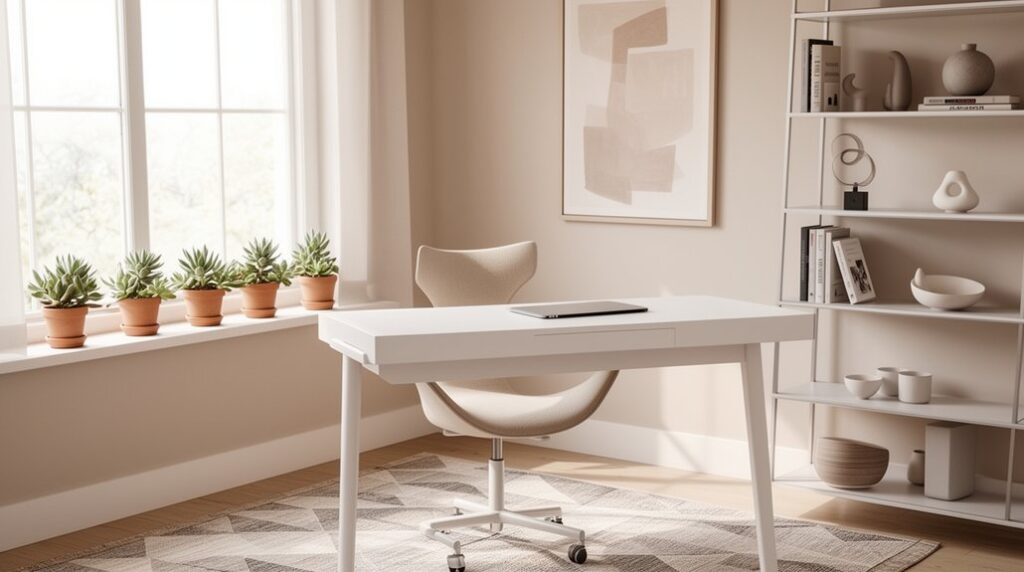
Start by measuring walls, outlets, and window swings, then sketch a floor plan with zones for work, storage, charging, and calls. Place your desk near natural light and angle screens to cut glare. Choose a slim, minimalist desk with cable trays and small drawers, plus an ergonomic chair with key adjustments. Layer 4000–5000K high-CRI LED lighting with a task lamp. Hide cords in trays, raceways, and boxes, and add one warm textile or art piece. Keep going to see easy upgrades.
Key Takeaways
- Plan the layout first: measure walls, outlets, and windows, then sketch zones for work, storage, charging, and video calls.
- Place the desk near natural light, angle screens to reduce glare, and coordinate colors early for a cohesive modern look.
- Choose a minimalist desk and ergonomic slim-profile chair with essential adjustments and integrated storage like drawers, cable trays, or a small filing unit.
- Use layered lighting: ambient plus task lamps with 4000–5000K, CRI 90+ LEDs, and add dimmable fixtures for nighttime comfort.
- Hide clutter with vertical shelves, labeled slim drawers, cable trays and raceways, and keep decor minimal with one artwork and simple textiles.
Plan Your Modern Home Office Layout First
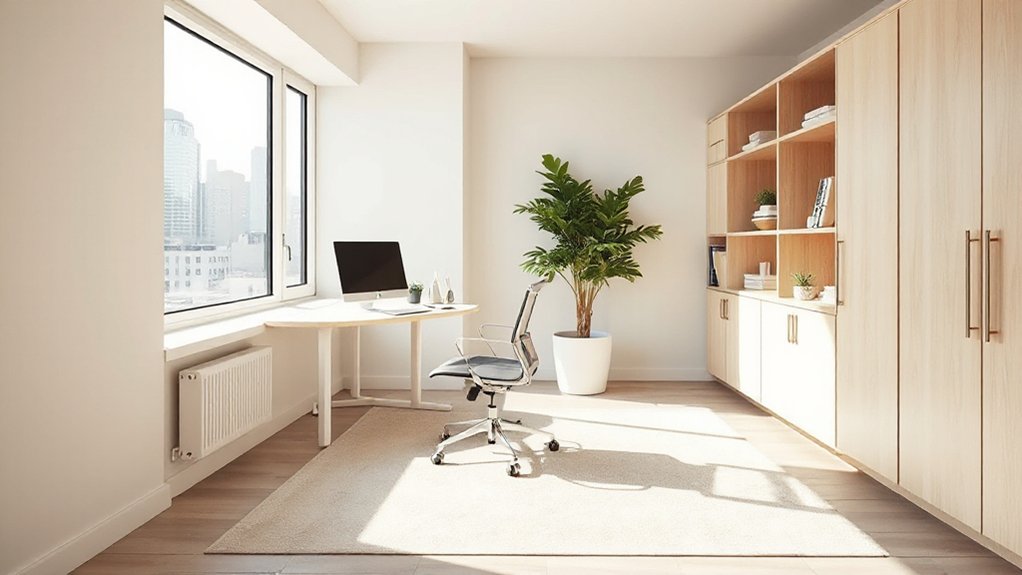
Before you buy a desk or a fancy chair, map out your home office layout so every square foot earns its keep. Measure walls, outlets, and window swings, then sketch a simple floor plan on graph paper or a free app. Place your work zone near natural light, but angle screens to cut glare. Mark a clear path for walking and a spot for a rolling chair, so you don’t bash knees on storage.
Next, assign zones: focused work, reference storage, charging, and video calls. Use vertical space with shelves and wall rails instead of bulky furniture. Plan Color coordination early by picking one neutral base and one accent, so add-ons match.
Budget for ergonomic accessories like a monitor riser, footrest, and cable clips to keep posture and surfaces clean.
Choose a Sleek Modern Home Office Desk
Pick a sleek modern desk with a clean, minimalist shape—straight lines, a thin top, and a compact footprint that fits your layout without wasting space or money.
Match the size to your daily gear (monitor, laptop, keyboard) so you don’t overbuy surface area you won’t use.
Choose smart storage like a slim drawer, cable tray, or a small filing unit to keep clutter off the desktop and stay efficient.
Minimalist Desk Shapes
Although minimalist desks look simple, their shape decides how efficiently you’ll use your space and where your gear will actually fit. Start with a straight rectangular top if you need maximum usable depth for a monitor, keyboard, and a writing zone.
If you’re tight on square footage, a narrow console-style rectangle keeps your walkway clear while still fitting a laptop setup. L-shaped desks work when you’ll run dual tasks, but check the return depth so your chair doesn’t crowd the corner.
Round or oval tops soften tight rooms, yet they waste wall alignment and reduce edge workspace. Look for geometric forms with slim legs to open sightlines, or choose asymmetrical shapes to hug corners without paying for oversized surface area.
Smart Storage Solutions
When your desk can hide the mess, you’ll work faster and keep the room looking clean. Choose a modern desk that builds storage into its footprint, so you don’t need extra furniture.
Look for hidden compartments under the top for chargers, pens, and backup drives; they keep cables off the surface and reduce visual noise. Prioritize drawers with full-extension slides and a slim file drawer that fits letter folders without wasting depth.
If space is tight, pick a desk with Integrated shelving or a matching hutch to lift books, a router, and decor off the floor.
Measure clearance for your chair and knees, then compare prices on flat-pack options; you’ll save cash and still get clean lines.
Pick an Ergonomic Chair That Looks Modern
When you pick an ergonomic chair with a modern look, focus on design cues like a slim profile, integrated lumbar support, and a low-visual-weight base that won’t clutter your setup.
You’ll get the most value by prioritizing key adjustments—seat height, tilt tension, and armrests—packaged in clean lines without bulky knobs.
Stick to durable mesh or tightly woven fabric in a simple black, gray, or muted tone so it matches your desk and hides wear longer.
Modern Ergonomic Design Cues
If you want your home office to look current without sacrificing comfort, focus on ergonomic chairs that blend clean lines with real adjustability. Look for a slim, continuous frame, a low-profile base, and matte finishes (black, white, or graphite) that won’t clash with your desk or a sleek keyboard.
Skip bulky “executive” silhouettes; choose a mid-back profile that reads modern and keeps the room visually open. Prioritize breathable mesh or tightly woven fabric over shiny faux leather, which can look dated fast.
An adjustable lumbar pad should integrate neatly, not protrude like an add-on. Choose arms with simple shapes and minimal seams.
To stay on budget, shop last-season colors, refurbished office brands, or local resale listings.
Adjustability With Clean Lines
A modern-looking chair shouldn’t make you choose between a clean silhouette and real support—you can get both by focusing on adjustability that stays visually low-key. Look for a seat-height lever and tilt tension tucked under the seat, not bulky side knobs.
Prioritize a slim, height-adjustable lumbar piece over thick cushions that break a clean lined design. Choose arms that adjust up/down and slide in, so you can sit close to the desk and keep your shoulders relaxed.
Check the chair’s spec sheet for fit: seat depth range, max/min height, and weight rating.
To stay budget-conscious, skip flashy “executive” frames and buy proven adjustable furniture with a solid warranty. If it’s wobbly at full height, it’ll distract you daily.
Materials And Color Palette
Even on a tight budget, you can make an ergonomic chair look modern by choosing materials and colors that read intentional rather than “office surplus.” Start with a matte black, warm gray, or soft white frame, then pair it with a breathable mesh back (it stays cooler and looks lighter than thick padding) and a tightly woven fabric seat in a neutral tone that won’t show lint or wear.
Prioritize material durability: reinforced nylon or aluminum bases beat thin chrome, and sealed casters roll smoother on hard floors. Keep sheen low—avoid glossy plastic that scuffs.
For color harmony, match your chair’s frame to your desk legs or lamp, then echo the seat color in a rug or storage bin. If you need contrast, add one muted accent pillow.
Set Up Lighting That Feels Clean and Bright
Because lighting sets the tone for everything you do at your desk, start by aiming for a clean, bright setup that reduces shadows and eye strain without driving up your power bill. Use layered light: steady ambient illumination plus focused task lighting where you read and type.
Pick LED bulbs around 4000–5000K for a crisp, neutral look, and choose high-CRI (90+) so colors stay accurate. Place a desk lamp on the opposite side of your writing hand to cut glare and prevent wrist shadows; aim it slightly forward, not into your eyes.
Add a dimmable ceiling fixture or plug-in floor lamp to soften contrast at night. Control reflections by angling screens away from windows and using inexpensive matte shades. Put everything on smart plugs or a simple timer to avoid waste daily.
Build Modern Storage That Hides the Clutter
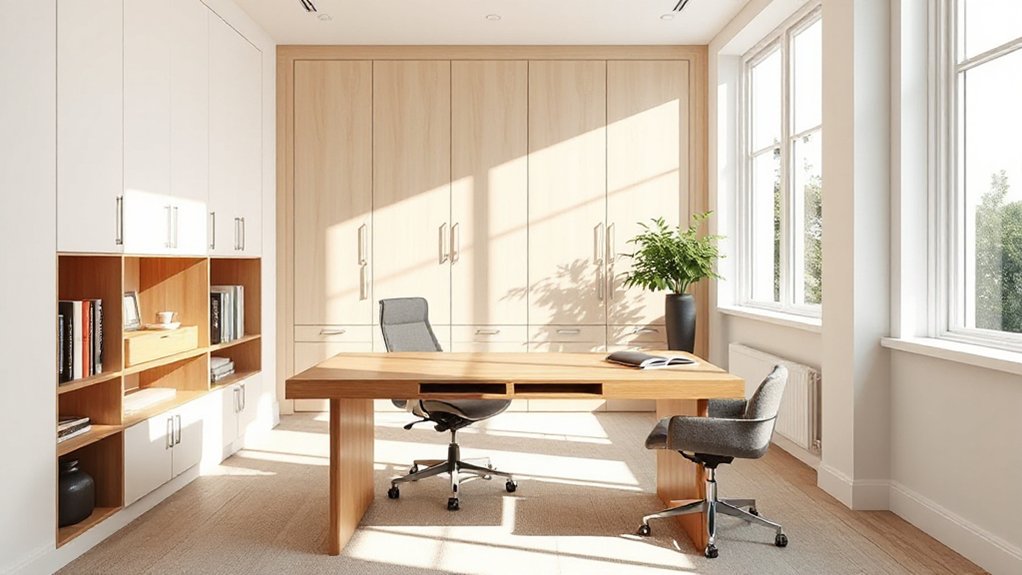
Once your lighting feels crisp and consistent, tackle the mess by adding modern storage that keeps everyday gear out of sight but still within reach. Start with a slim drawer unit under your desk for pens, notebooks, and chargers, and label each section so you don’t rebuy supplies.
Add concealed shelving above eye level to store binders and spare paper in matching boxes for a uniform look. Choose a cabinet with doors or a floating credenza to hide printers and other bulky items; shop used and repaint for a clean finish.
Look for desks with hidden compartments for passports, checks, and tech accessories. Keep one “daily-use” tray accessible, and stash everything else. Measure first to avoid returns.
Hide Cables for a Truly Sleek Home Office
Two minutes of cable control can make your whole home office look cleaner and feel less chaotic. Start by unplugging everything and sorting cords by device, then toss duplicates.
Mount a $10 under-desk cable tray or a simple wire basket to hold your power strip off the floor. Use Velcro ties instead of zip ties so you can adjust later.
For wire management along the wall, run cords through adhesive raceways and paint them to match.
Stick a cable box beside your desk to hide the power strip and extra slack. Label both ends with masking tape, and leave a small service loop so connectors don’t strain.
You’ll clean faster and stop snagging cords.
Add Warmth Without Cluttering Your Workspace
Even if you love a cozy vibe, you don’t need extra knickknacks to get it—focus on a few high-impact upgrades that take up zero desk space. Start with lighting: swap harsh bulbs for warm 2700–3000K LEDs and add a plug-in wall sconce or clamp lamp behind your monitor.
Layer cozy textiles where they won’t crowd you: a low-pile rug under your chair, a thin lumbar pillow, or a seat cushion in a neutral fabric. Choose one piece of art or a framed print above the desk to soften the room without adding clutter.
Keep personal decorations minimal and vertical—one photo in a slim frame on a shelf, not on the desktop. Use matching storage bins to hide extras.
Frequently Asked Questions
How Do I Soundproof My Home Office for Video Calls?
You’ll soundproof your home office for video calls by tackling leaks and echoes. Seal door gaps with weatherstripping and add a door sweep; plug window gaps with caulk.
Hang soundproof curtains over windows and even a closet door.
Mount Acoustic panels behind your monitor and on the wall opposite your mic.
Put a thick rug and underlay on hard floors.
Move the mic close, lower gain, and mute when not speaking.
What Paint Colors Make a Modern Office Feel Larger?
To make your modern office feel larger, you’ll get the most impact from light, cool neutrals like soft white, pale greige, and misty blue-gray.
Color psychology says cooler hues recede, so walls visually “push back.” Choose a consistent tone on trim to reduce contrast, and keep ceilings brighter.
For paint finish options, use eggshell on walls (washable, low glare) and flat on ceilings to hide flaws cheaply.
Which Plants Work Best in Low-Light Modern Offices?
You’ll get the best results with low light plants like ZZ plant, snake plant, pothos, and cast-iron plant. They keep indoor greenery looking crisp with minimal sun and forgiving watering needs.
Buy 4-inch pots to save money, then upsize only when roots crowd.
Use simple matte planters for a modern look, and place plants near a north window or under an LED desk lamp on a timer.
How Can I Improve Wi‑Fi Reliability in My Home Office?
Improve Wi‑Fi reliability by optimizing Router placement: put it central, elevated, and away from metal, microwaves, and thick walls.
Update firmware, switch to a less crowded channel, and enable WPA2/WPA3.
If coverage still drops, add Wireless extenders or, better, a mesh node; place it halfway to the dead zone, not inside it.
Hardwire desktops via Ethernet when possible.
Reboot weekly or schedule automatic restarts.
What Are the Best Ways to Reduce Screen Glare on Monitors?
Reduce glare by moving your monitor perpendicular to windows, not facing them, and controlling light with blinds or curtains.
Use ergonomic monitor placement: keep the top at eye level and tilt slightly down to avoid reflections.
Add anti-glare screen filters if you can’t reposition; they’re cheaper than a new display.
Switch to matte monitors, lower brightness, and use a dimmable desk lamp aimed away from the screen to cut hotspots.
Conclusion
When you plan your layout first, you get more done with less stuff. Pair a slim desk with a supportive chair—minimal lines, maximum comfort. Use bright, clean lighting, but add one warm accent lamp for contrast. Choose closed storage so your tools stay close while clutter stays invisible. Route cables through clips or a tray; sleek beats “good enough.” Finish with one plant or textured mat—soften the space without spending much.